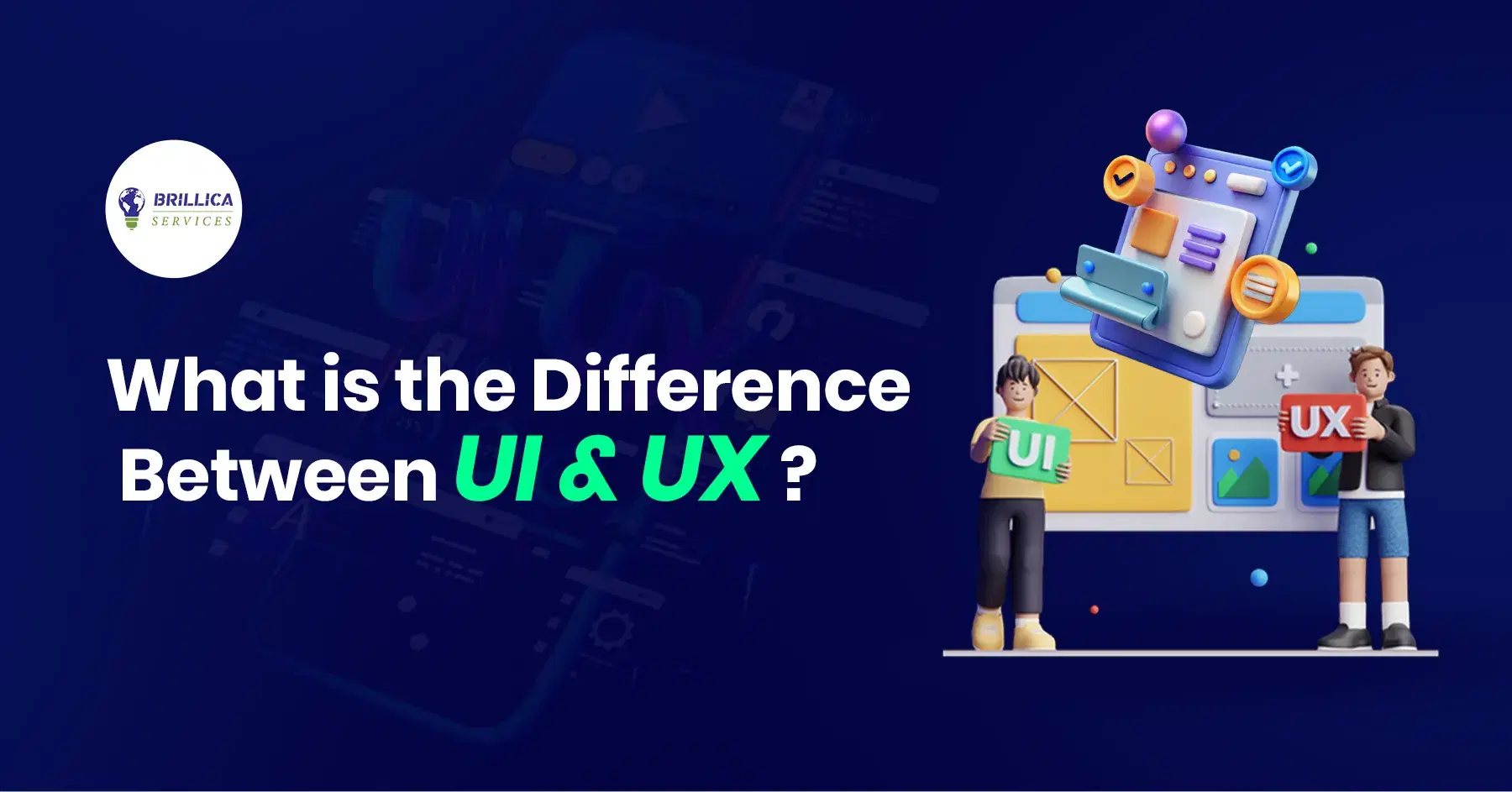
When people talk about ui ux design, they often mix them up or think they mean the same thing. But UI and UX are very different. Both are important for making a website, app, or software easy, smooth, and fun to use.
In this blog, we will explain What is user interface design?, What is user experience design?, the difference between UI and UX, why both matter, and how they work together. We will also cover UI and UX basics, principles, examples, and FAQs.
What Is UI?
UI full form: User Interface
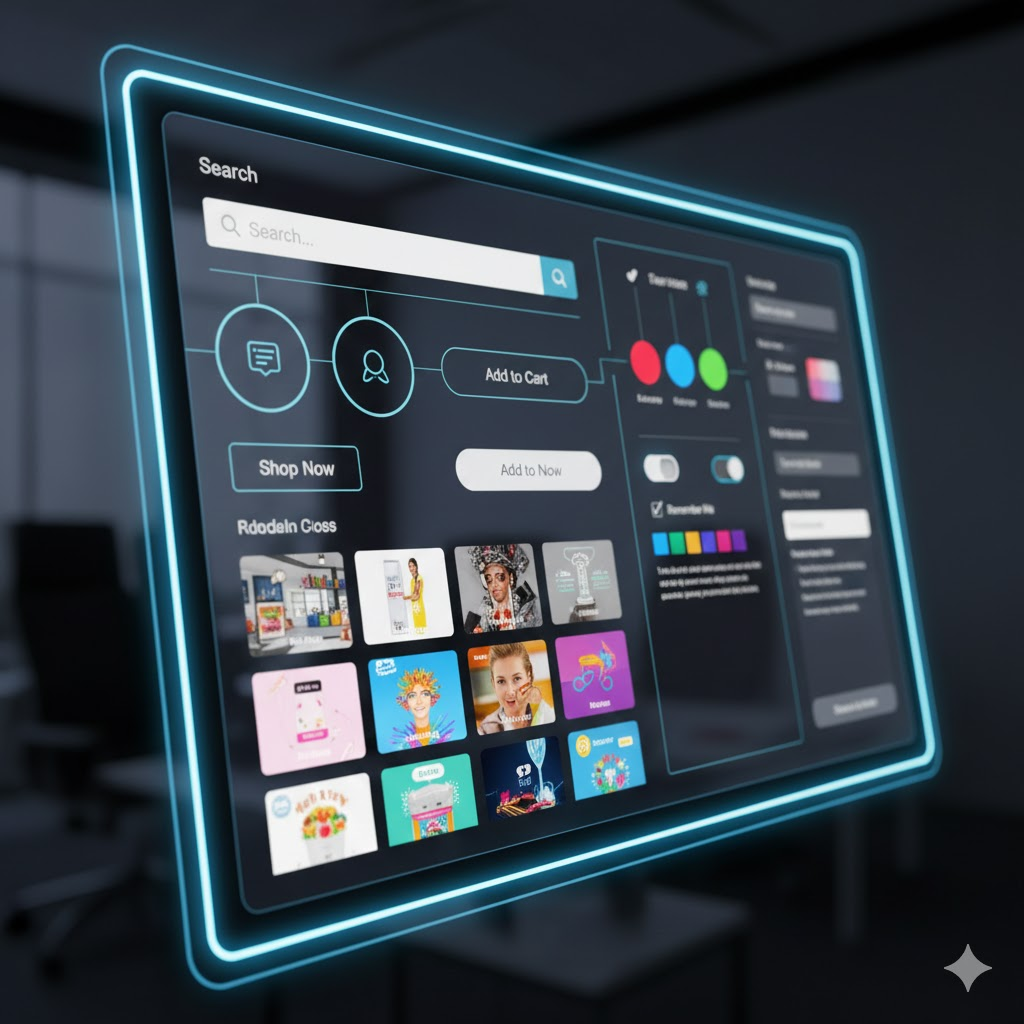
UI or user interface means the part of a website, mobile app, or software that you can see and interact with. It includes all user interface elements that help you use the system easily.
What is User Interface Design?
User interface design is the process of making the visual part of a digital product. It focuses on things the user touches, sees, and clicks.
UI design meaning in simple words
UI design means creating:
- Buttons
- Icons
- Images
- Text
- Colors
- Layout
- Navigation
- Screens
- Menus
Anything you see on a screen is part of UI interactive design.
User Interface Design in Software Engineering
In software engineering, user interface design helps developers and designers create:
- Clear layouts
- Easy-to-use screens
- Smooth buttons
- Helpful messages
- Simple navigation
UI helps users understand how to use the software without confusion.
What Is UX?
UX full form: User Experience
User experience design means how a person feels when using a website, app, or product. It is not only about looks. It is about the full journey of the user.
What is User Experience Design?
User experience design focuses on:
- How easy the product is
- How fast the user can complete tasks
- How smooth the journey feels
- How helpful the product is
- How the user feels after using it
UX design is like planning a full experience from start to end.

User Experience Design Basics
User experience design includes:
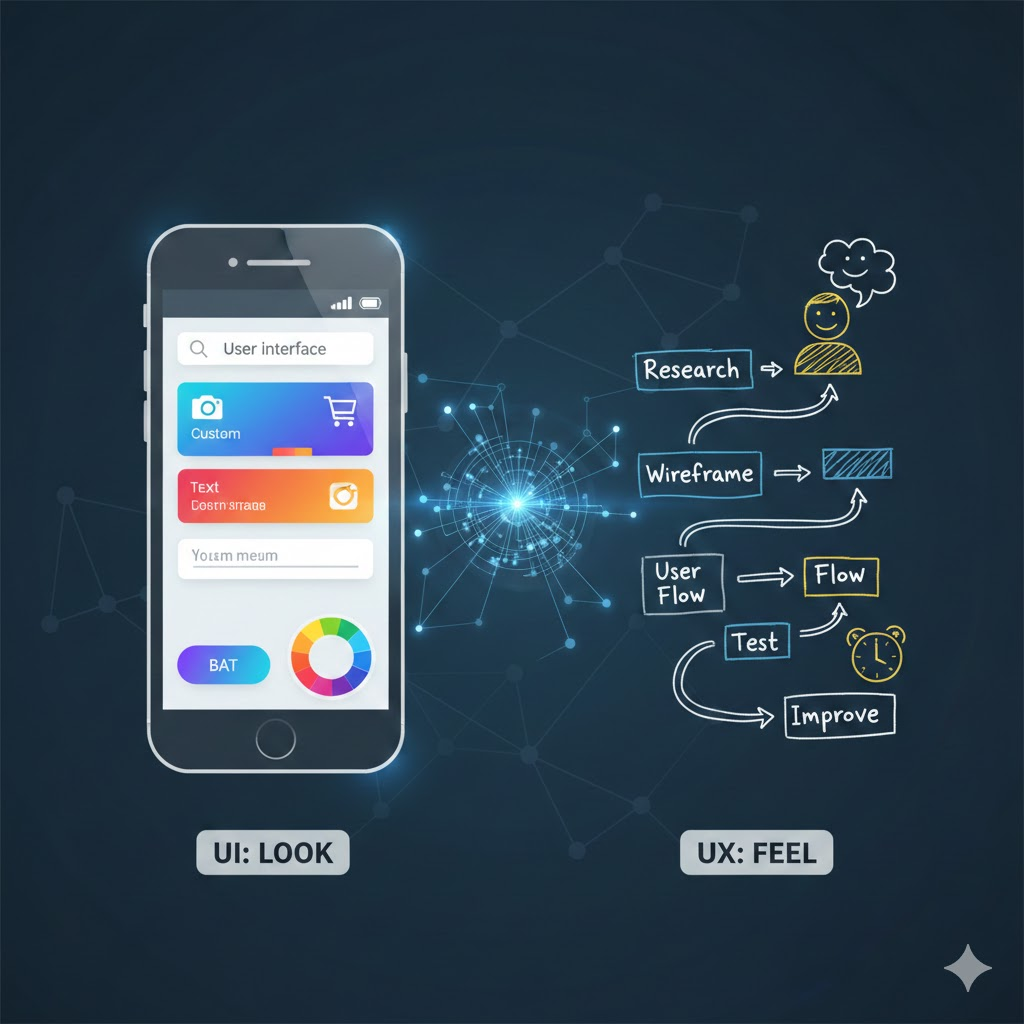
- Research
- Understanding user needs
- Creating wireframes
- Making user flows
- Testing the design
- Fixing problems
- Improving the experience
UX designers think about feelings, ease, speed, and satisfaction.
Difference Between User Interface and User Experience
Many people think UI and UX are the same. But they are different. Here is a simple explanation:
UI = Look
UI deals with how the product looks.
UX = Feel
UX deals with how the product feels when using it.
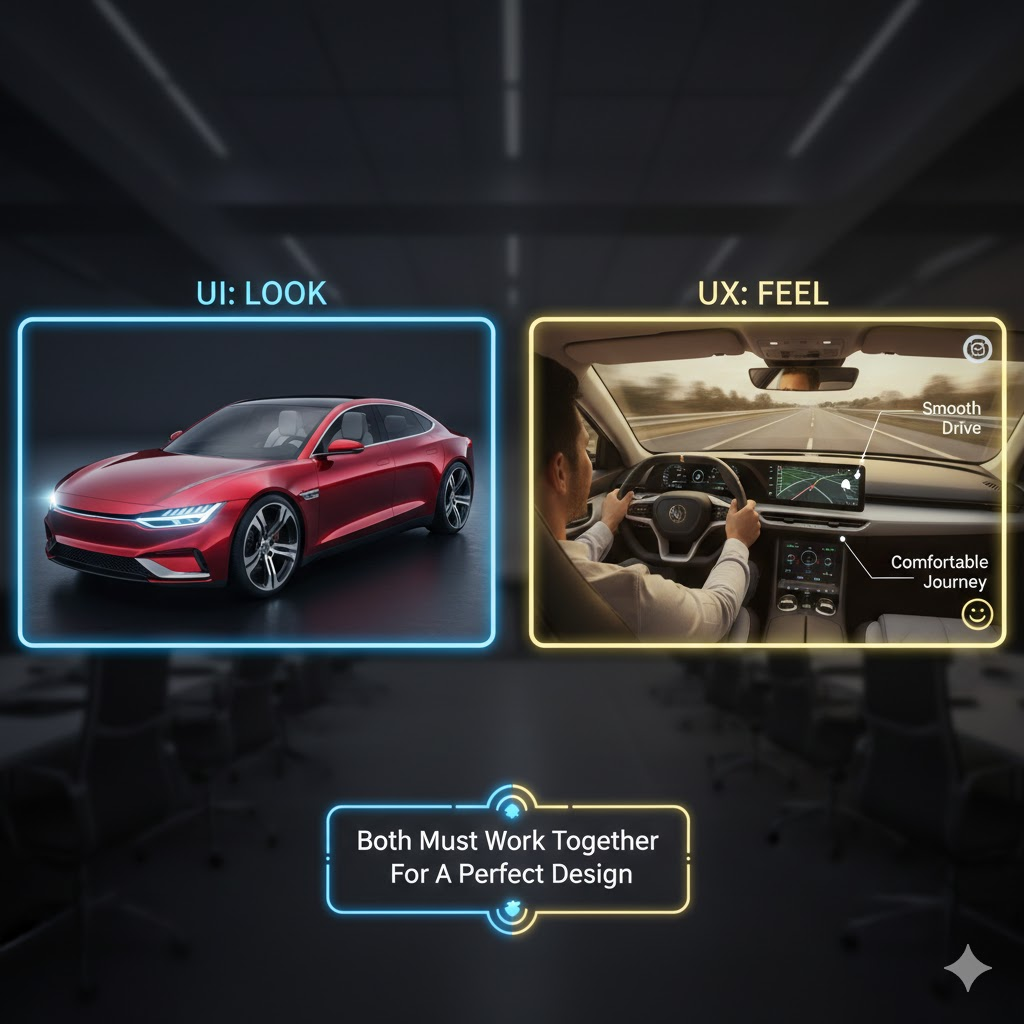
Example
Imagine you buy a car.
- UI is the color of the car, the shape of the dashboard, the buttons, the seats, and the design.
- UX is how comfortable the car feels, how smooth it drives, how simple it is to use, and the full experience you get.
Without UI, the product has no structure.
Without UX, the product has no flow.
Both must work together for a perfect design.
Why Are UI and UX Important?
UI is important because it:
- Makes the product beautiful
- Helps users understand the screen
- Makes navigation easy
- Builds trust
- Creates a strong first impression
UX is important because it:
- Makes the product useful
- Makes tasks faster
- Reduces confusion
- Increases user satisfaction
- Builds long-term engagement
A product with good UI but bad UX looks nice but feels difficult.
A product with good UX but weak UI works well but looks boring.
Best products have both UI and UX.
UI Design Principles
Here are some basic UI design principles:
- Consistency – Buttons, fonts, colors, and layout must match.
- Clarity – Users should easily understand where to click.
- Simplicity – Do not add extra elements that confuse users.
- Visibility – Important things should be easy to find.
- Spacing – Enough space makes the design clean and easy to read.
- Responsive design – Design should look good on mobile, laptop, and tablet.
User Interface Elements
Some popular UI elements include:
- Buttons
- Text fields
- Search bars
- Icons
- Images
- Dropdown menus
- Checkboxes
- Radio buttons
- Toggle switches
- Tabs
- Sliders
- Navigation bars
These elements help the user interact with the product simply and quickly.
User Interface Design Examples
Common examples of UI design:
- Login screen
- Signup form
- Home page layout
- Dashboard
- Shopping cart page
- Payment screen
- Buttons on apps like Instagram, YouTube, Swiggy, Amazon
Anything a user sees and clicks is part of UI.
What Does a UX Designer Do?
A UX designer’s job includes:
- Researching user needs
- Creating user personas
- Making wireframes
- Designing user flows
- Planning the full experience
- Testing designs with users
- Improving the journey
- Fixing problems that users face
UX designers work deeply to understand how people use the product.
What Does a UI Designer Do?
A UI designer works on:
- Colors
- Fonts
- Icons
- Buttons
- Layout
- Style
- Visual look
- Interface screens
- High-fidelity designs
A UI designer makes the digital product visually attractive and simple to use.
Web User Interface (Website UI)
Website UI is the design of how a website looks. It includes:
- Header
- Footer
- Menu
- Buttons
- Search bar
- Images
- Product cards
- Content layout
Good website UI helps users stay longer and interact more.
UI/UX Design in Real Life: A Simple Example
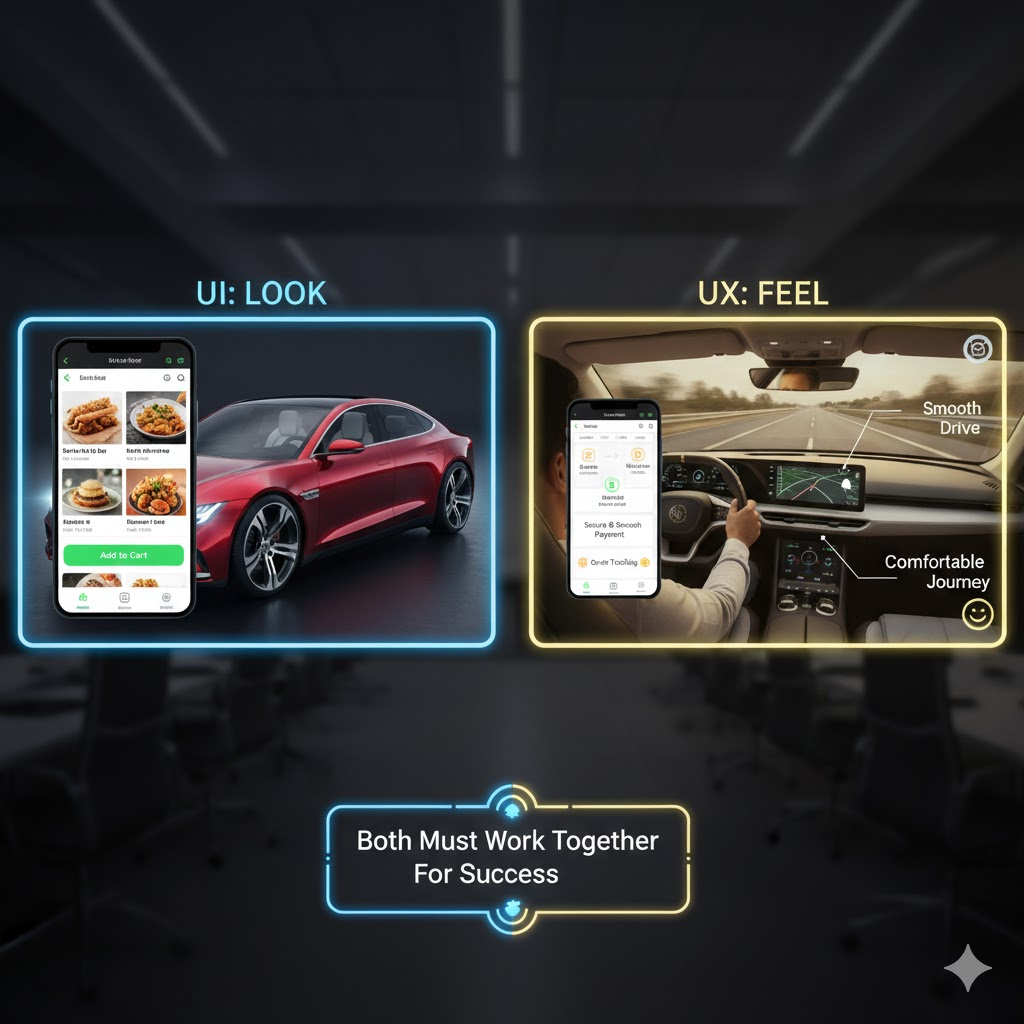
Imagine you use a food delivery app.
UI work includes:
- The colors of the app
- The food pictures
- The menu design
- Add to cart button
- Checkout page layout
UX work includes:
- How many steps to place the order
- How fast you find food
- How smooth payment is
- How easy it is to track your order
Both UI and UX must work together for the app to become successful.
Why UI and UX Work Together
UI and UX are two parts of the same system.
You cannot build a great product without combining them.
- UX plans the experience.
- UI brings that plan to life visually.
Good UX makes people happy.
Good UI makes people stay.
FAQs
1. What is UI UX design?
UI UX design means creating the look (UI) and feel (UX) of a website, app, or software so users can use it easily and have a smooth experience.
2. What is the difference between UI and UX?
UI is about the visual part like colors, buttons, and layout.
UX is about the full user journey, ease, and satisfaction.
3. What does a UI designer do?
A UI designer works on the appearance of the screen—buttons, icons, colors, styles, and layouts.
4. What does a UX designer do?
A UX designer works on making the product easy to use by planning user flow, research, testing, and improving the experience.
5. What is user interface design?
User interface design focuses on making the visual screen that users touch and interact with.
6. What is user experience design?
User experience design focuses on how the user feels while using the product.
7. Who provides the best UI/UX design course?
Brillica Services offers one of the best UI/UX design courses with practical training, simple teaching, and real projects.
8. Why are UI and UX both important?
Because UI makes the product look good, while UX makes the product feel good and easy to use.
9. What software is used in UX design?
Popular UX tools include Figma, Adobe XD, Sketch, Balsamiq, and wireframing tools.
10. What software is used in UI design?
UI designers use tools like Figma, Adobe XD, Illustrator, and prototyping tools.
Conclusion
UI and UX may sound similar, but they are different and both are equally important.
UI focuses on the visual design, and UX focuses on the overall experience.
If you want to learn ui ux design in a simple and practical way, Brillica Services offers one of the best beginner-friendly UI/UX design courses with real projects and expert trainers.